 Google
Gemini chat history and memory import
In brief
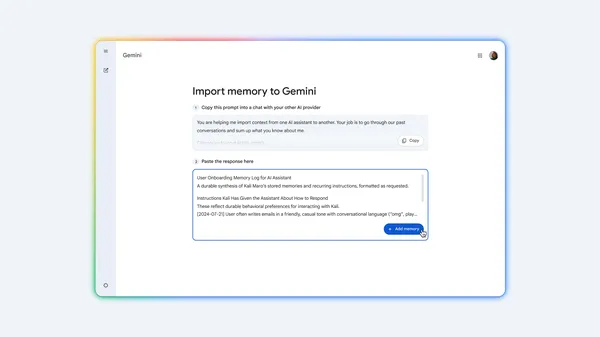
Google added tools to import chat history, context, and preferences from other AI assistants into Gemini. Users can bring over past conversations and tailored instructions without starting from scratch.
Interface
1 from 1 source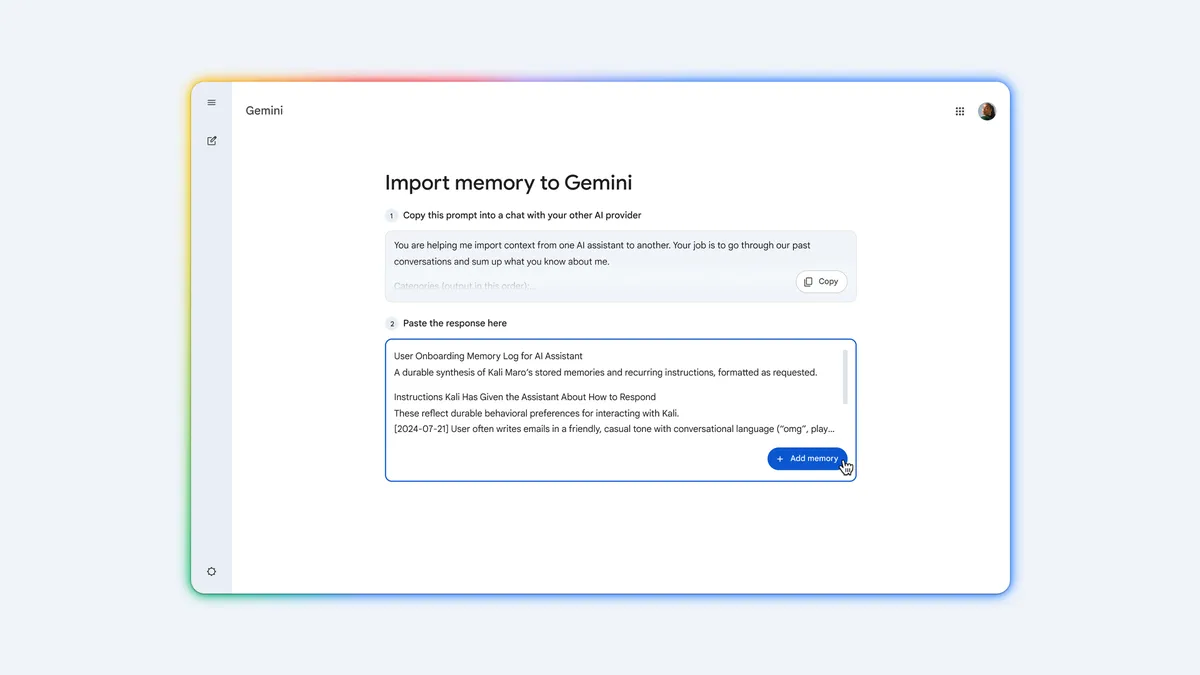 InterfaceScreenshot
How it works
To transfer preferences and context, copy the prompt from Gemini's import settings, run it in your previous AI assistant, and paste the summary back into Gemini. To move past conversations, export a ZIP file of your chat history from your old provider's account settings and upload the archive in Gemini settings.
Users switching to Gemini from other AI assistants who want to keep their conversation history and saved context.
Availability
Sources
1 merged into this cardMore from Google
 GooglePreview
Tool Retrieval in the Gemini API
Gemini's Interactions API now supports on-demand loading of tool parameter schemas. Agents with large tool libraries can keep schemas out of context until needed, cutting input tokens, latency, and selection errors.
 GoogleAvailable
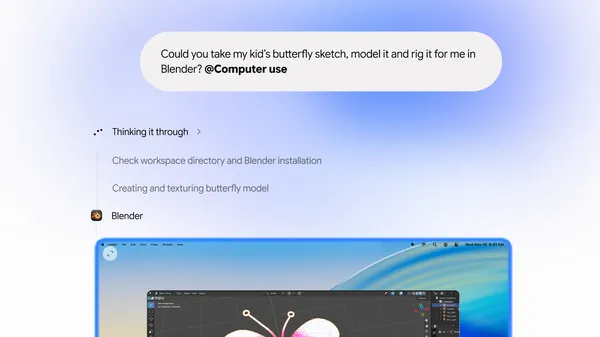
Computer use in Gemini app for Mac
Google added computer use to the Gemini app for Mac, letting Gemini automate multi-step tasks across local files, desktop apps, and the web in an isolated background window.